
September 4, 2026
Setting Up Your HARIOX for the First Time: A No-Nonsense Walkthrough
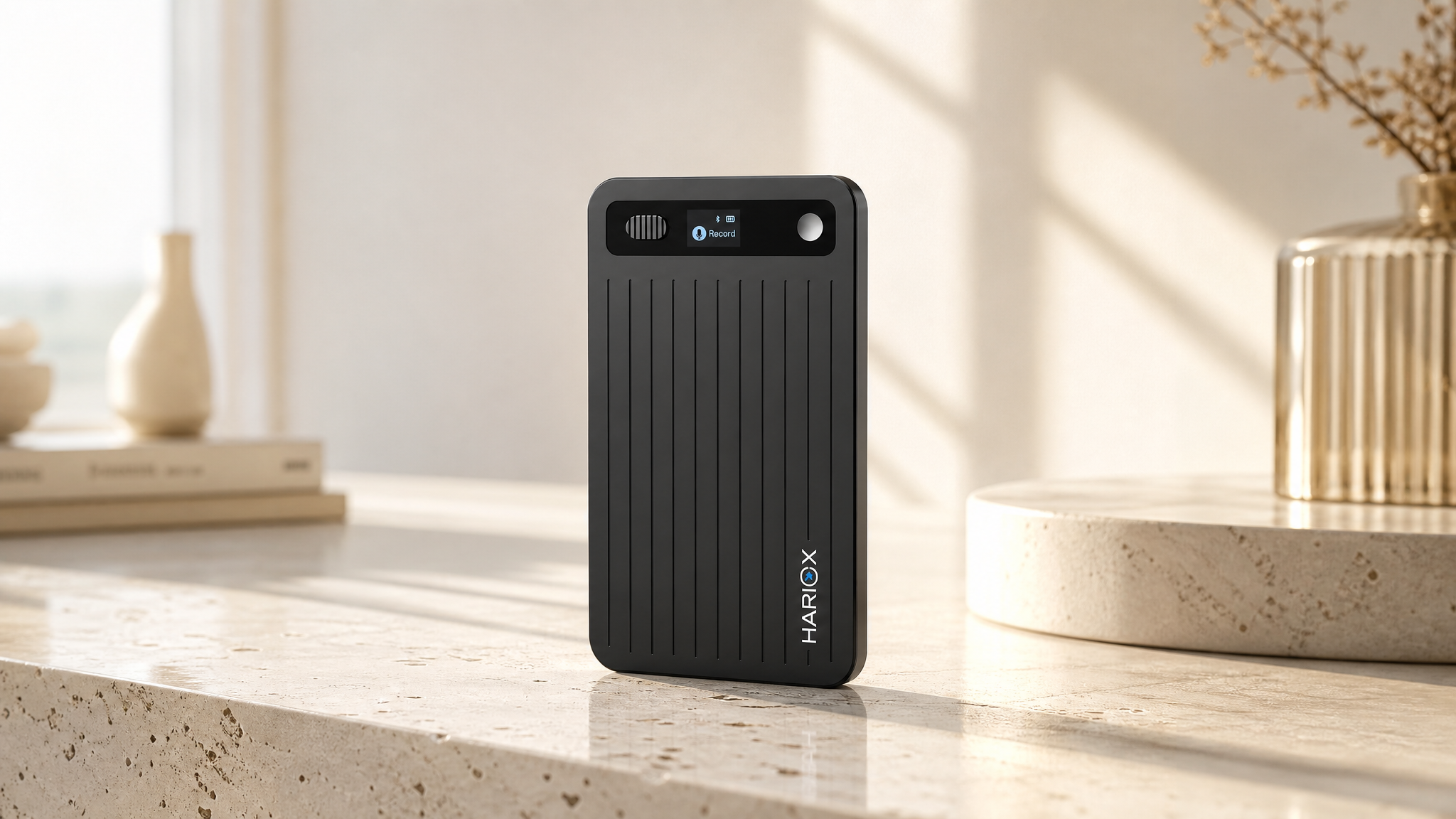
Short answer: unbox, charge for about 30 minutes before first use, download the app, pair over Bluetooth, and you're recording. The whole thing takes under 10 minutes for most people — the steps below cover what to check along the way so you don't have to redo anything later.

What's in the box
- HARIOX AI Voice Recorder
- Magnetic ring mount for your phone
- USB-C charging cable
- Quick start guide
Step 1: Charge before first use
Even if it arrives with some charge, give it a proper first charge — about 2 hours for a full charge from empty, or roughly 30 minutes if you just want enough to get started. Skipping this isn't dangerous, but it's the most common reason people think their device "isn't working" on day one when it's actually just low on power.
Step 2: Download the app and create an account
Available for iOS and Android. This is where transcripts, summaries, and settings live — the device itself just records.
Step 3: Pair over Bluetooth
Standard Bluetooth pairing — open the app, follow the on-screen prompt, done. If it doesn't appear, make sure the device is charged and within a few feet of your phone.
Step 4: Attach the magnetic ring (for phone calls)
The included ring lets HARIOX snap onto the back of your phone for call recording. If you're MagSafe-compatible, it aligns automatically; otherwise the ring provides the magnetic surface.
Step 5: Check these settings before your first real meeting
| Setting | Why it's worth checking |
|---|---|
| Transcription language | Confirm your primary language, even though auto-detection handles switching |
| Cloud sync preference | Decide whether recordings sync automatically or stay local until you choose |
| Custom vocabulary | Add industry terms now so they're recognized from your very first recording |
| Speaker labels | Enable if you regularly record group meetings |
Your first recording
One long press starts recording; a short press or tap adds a highlight at that moment, which is worth doing the first time just to see how it shows up in the summary afterward. Stop the recording, open the app, and the transcript and summary should appear within a few minutes depending on length.
FAQ
Do I need Wi-Fi, or does Bluetooth alone work?
Bluetooth handles pairing and basic sync; a Wi-Fi or mobile data connection on your phone is needed for transcription and summaries to process.
What if the app doesn't find my device?
Confirm it's charged, restart Bluetooth on your phone, and make sure no other device is already paired to it.
Is there a subscription I need to set up?
No — every HARIOX includes unlimited transcription for the first 12 months, then a free Starter plan of 300 minutes/month, forever. No card required to start.
Full FAQ and specs on the HARIOX product page, or reach out via Support.