
September 4, 2026
Recording Client Meetings the Right Way: A Practical Guide for Lawyers and Consultants
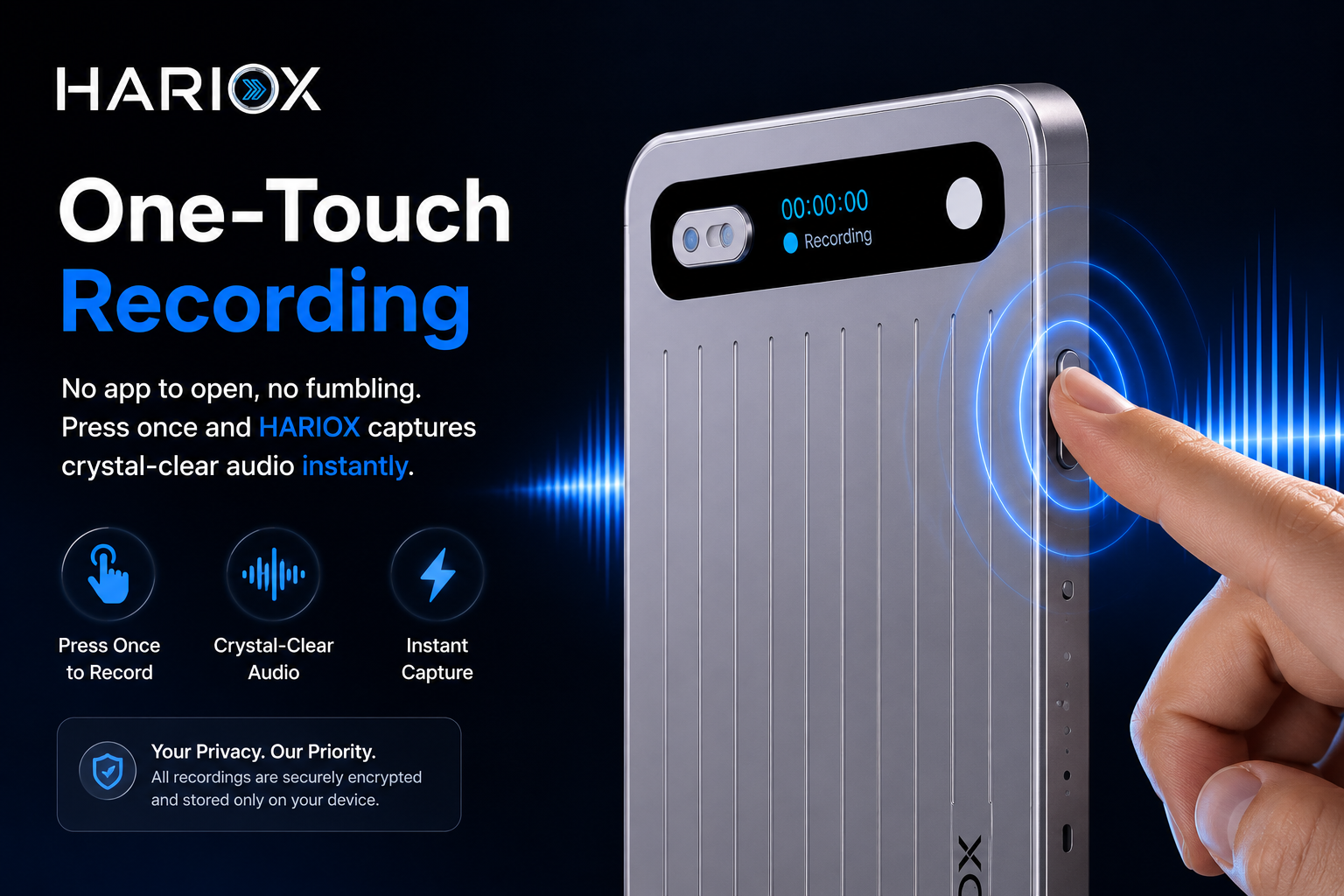
Short answer: before recording any client conversation, confirm your jurisdiction's consent requirements (some regions need consent from every party, others just one), get that consent in writing where possible, and know exactly where the recording is stored and who can access it. A good recorder makes the capture easier — it doesn't replace those steps.
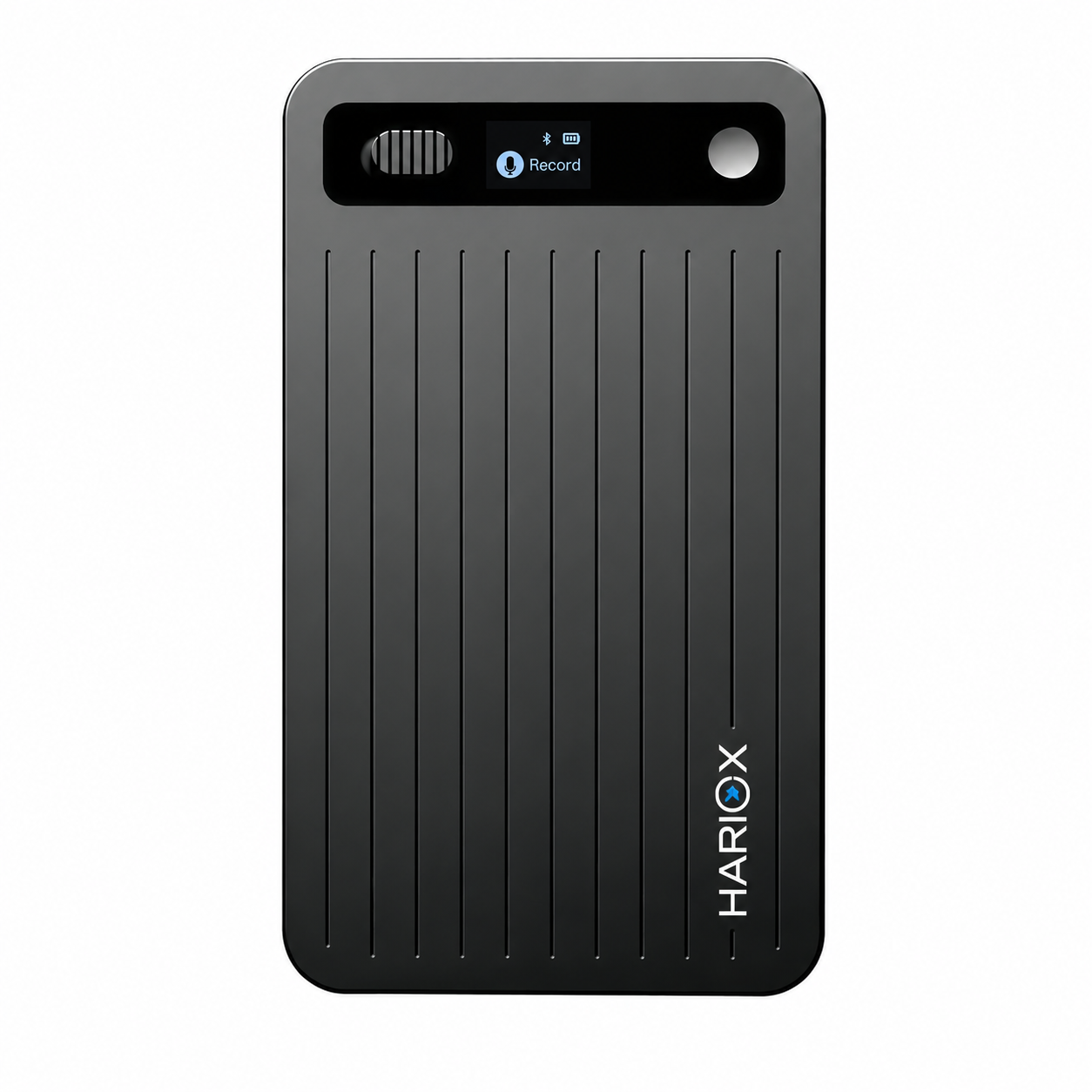
This is not legal advice — here's why that matters
We're not lawyers, and consent laws for recording conversations vary by country and, in places like the US, by state. Some jurisdictions are one-party consent (you can record if you're a participant), others require every party to agree. Get this confirmed by your own counsel or compliance team before you rely on any device for client work — that's not a box a recorder can tick for you.
What actually matters once consent is settled
- Where the recording lives — does it stay on the device until you move it, or upload automatically to a cloud you don't control?
- Who can access it — client confidentiality doesn't stop at the recording; it extends to whoever can open the file afterward.
- How long you keep it — many firms have document retention policies. A recording is a document.
- Whether it's encrypted — HARIOX encrypts recordings on-device with AES-256, and you decide whether or when they sync to the cloud. That's a real, checkable spec — not a certification claim.
A practical workflow
| Step | What to do |
|---|---|
| 1. Before the meeting | Confirm consent requirements for your jurisdiction with your own counsel |
| 2. At the start of the meeting | State clearly that the conversation is being recorded and why |
| 3. During | Record as normal — in-person or by phone |
| 4. After | Store the transcript per your firm's retention policy, not just the audio |
Where a dedicated recorder actually helps
Beyond audio quality, the practical benefit is being fully present with a client instead of typing notes. For consultants especially, a transcript you can search later beats trying to remember which meeting a particular detail came up in.
FAQ
Is HARIOX HIPAA or SOC 2 certified?
No — we don't hold those certifications and won't claim otherwise. If your work requires a certified platform, verify that directly with your compliance team before relying on any consumer device.
Can recordings stay entirely offline?
Recordings save to the device first; syncing to the app and cloud is something you control.
What if a client says no to being recorded?
Then don't record — take notes the traditional way. Consent isn't optional.
Check the security specs on the HARIOX product page and our Trust Center.